
Most people think automation is for big companies with developers.
Then they hear that somebody's receipts file themselves, invoices chase themselves, and first replies go out while she sleeps. And they start wondering what else they have been doing by hand.
So here is a short, honest list. Seven boring tasks that can usually go on autopilot.
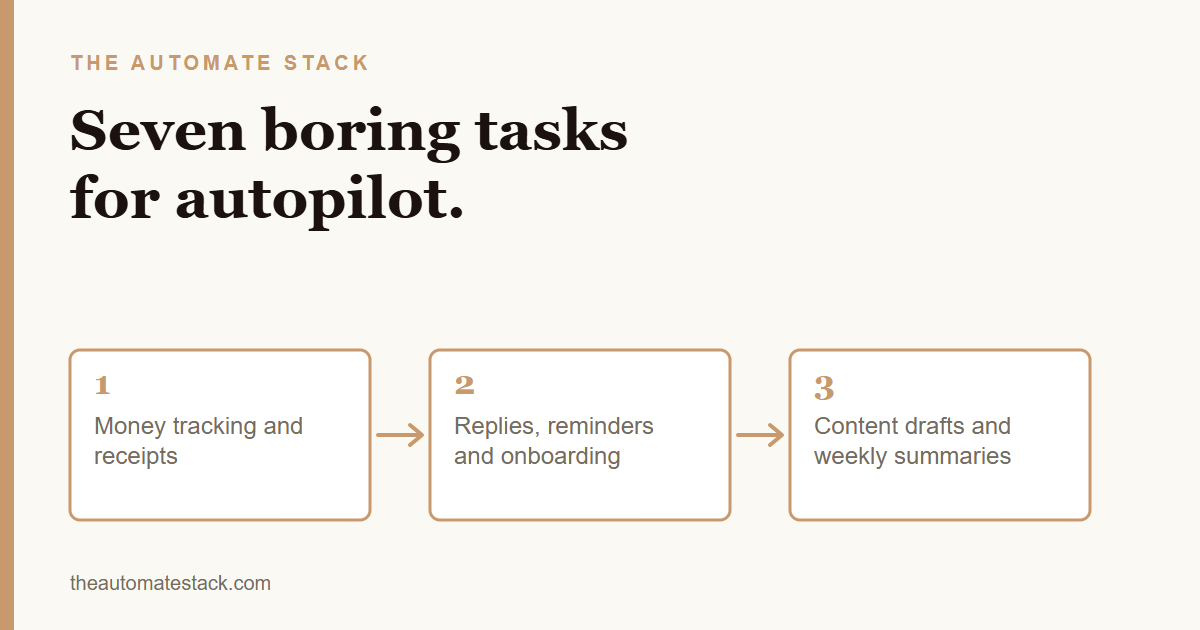
1. Logging expenses and receipts
A receipt or bank alert arrives, a row is added to your sheet. No typing.
2. Weekly income summary
A short summary of money in and out lands in your inbox every week.
3. First replies to DMs
A price question gets an instant answer and a link, so the buyer does not drift away.
4. Invoice reminders
Friendly, clear and firm reminders go out on a schedule, and stop when you are paid.
5. Client onboarding
Payment triggers a welcome message, an intake form, a folder and a booking link.
6. Filing documents
Files get renamed, sorted into the right client folder and logged.
7. Content drafting
One idea becomes drafts for several platforms, ready for you to edit.
The rule behind all seven
If the steps are the same every time, a setup can usually do them. If the task needs judgment, taste or a hard conversation, that stays with you.
Notice that none of these replace you. They replace the copying, remembering and chasing.
Where to begin
Do not try all seven. Pick the one you dread most. Do it by hand for a week, write down the steps, then automate it and watch it for a week.
If you are not sure which, here is how to choose the first task.
The Starter Kit has ready-made setups for several of these, and the free Checklist helps you see where your time goes.
Boring is good. Boring means it can be handed off.