
Most people think they need a plan before they start.
A tool list. A course. A free weekend. So they wait, and the waiting turns into months.
You need much less than that. Here is the whole list.
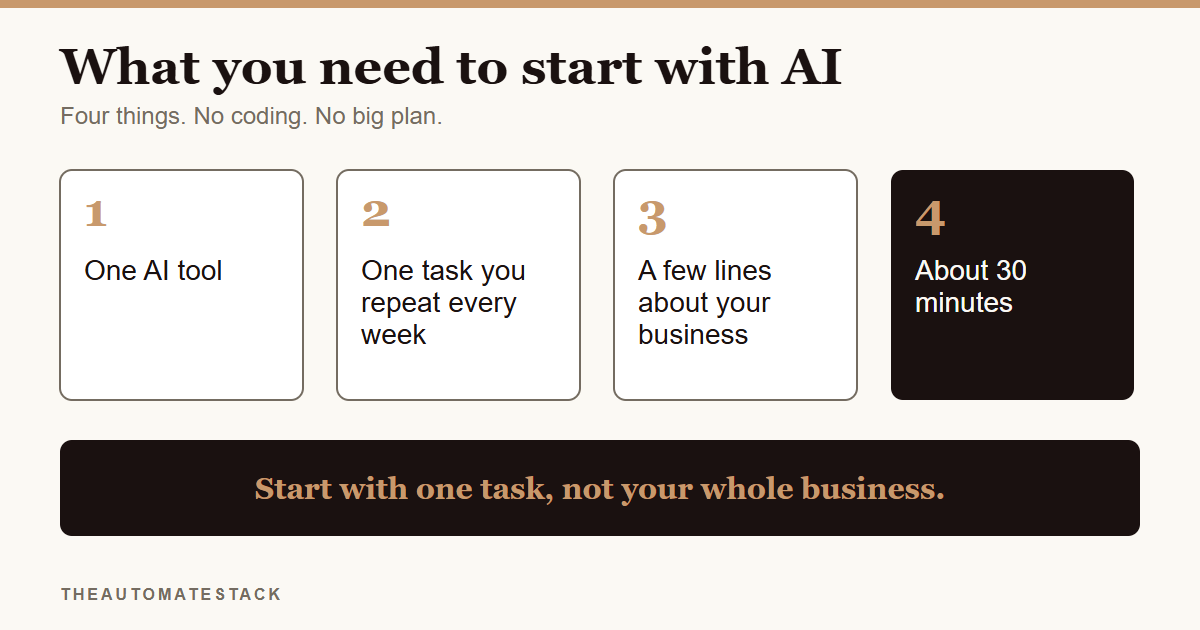
What you need
- One AI tool. Pick one and stay with it for a few weeks. Hopping between five tools is how people end up overwhelmed.
- One task you repeat. Something you already do every week, like writing captions, replying to the same four questions or adding up your income.
- A few lines about your business. What you sell, who you sell to and how you talk. Three or four sentences is enough.
- About 30 minutes. One sitting. Not a month.
- A place to keep your prompts. Your notes app is fine. When something works, save it.
That is all.
What you do not need
You do not need to know how to code. You do not need a perfect prompt. You do not need to understand how the tool works inside.
You also do not need to move your whole business over. Nobody does that. People start with one small job and add the next one when the first is working.
And you do not need to paste anything private. An amount and a date are enough for most tasks.
Pick a boring first task
The best first task is boring and repeated.
If you do it every week and it makes you groan, it is a good one. Say you write your Instagram captions on Sunday night and you hate it. That is a better start than something clever you will use once.
Avoid anything where a mistake costs money or reaches your customers before you have read it. Start where you are the one checking the result.
The steps
- Write down what you do by hand every week. Five or six things is enough.
- Circle the one that annoys you most.
- Describe your business in three or four sentences. What you sell, who it is for, how you sound.
- Ask the AI to do a first draft of that task. Paste your description, then say what you want.
- Read it and fix it. Change anything that is wrong or does not sound like you.
- Save the prompt that worked. Next week you paste it again and skip steps 3 and 4.
- Repeat next week. Then pick the next task on your list.
If you want a starting point, the free AutoStack Checklist walks you through picking your first task. The Starter Kit has 36 setups once you are ready for more.
Start small. A task that saves you twenty minutes, done every week, beats a plan you never begin.