
You stop deciding what to post at 9 PM when the deciding is already done.
That is the whole idea behind planning a month at once. It is not about posting more. It is about not starting from zero every evening, when you are tired and nothing sounds good.
Here is a simple way to do it in one sitting.
Start with four lessons, not thirty posts
Do not try to think of thirty ideas. You will stall.
Pick four lessons you already teach. One for each week. A lesson is something you have really said to a client or a customer, not a topic.
Say you run a small catering business. Your four lessons might be: why orders get missed, how to confirm an order in one message, what to do when a client changes the date, and how to book a tasting. Four lessons. A month of material.
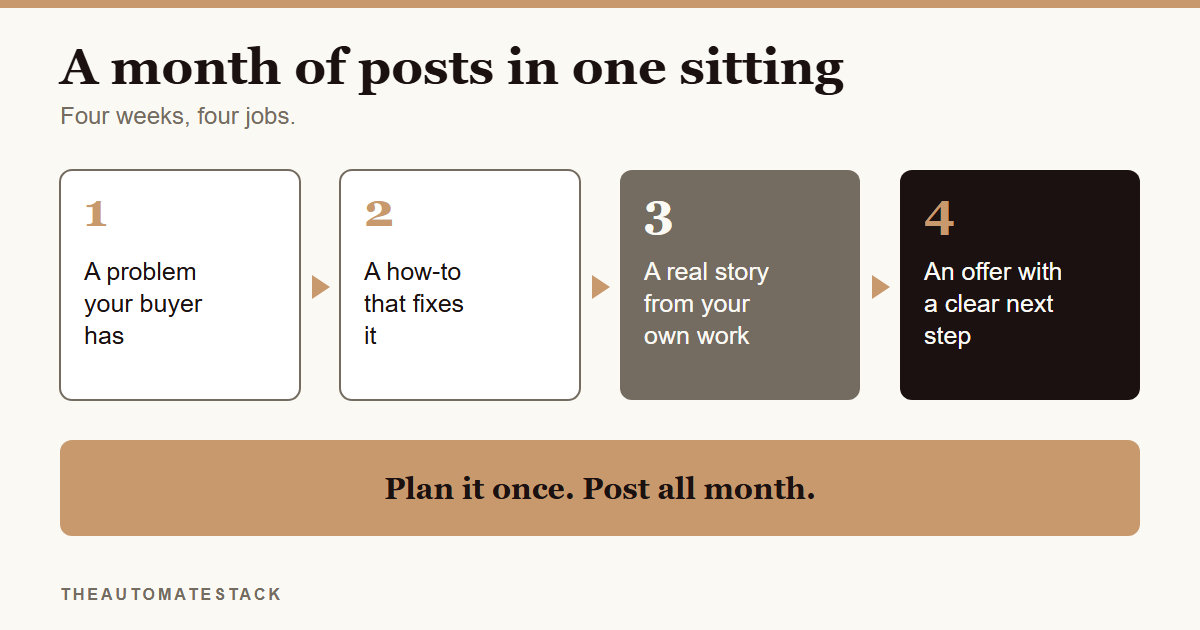
Give each week one job
A month feels bigger than it is. Break it into jobs.
Week one: a problem your buyer has. Name the pain. People stop when they see their own problem.
Week two: a how-to that fixes it. Show the steps. This is where you earn trust.
Week three: a real story from your own work. This one has to be yours. A client you helped, a day that went wrong, something you learned. No tool can write it for you, and it is the post people remember.
Week four: an offer with a clear next step. Say what you sell and how to get it.
Cut each lesson into a few posts
One lesson can become a caption, a short video and a longer piece. You can read how in how to turn one idea into a week of posts.
Every post needs two things. A hook, which is the first line that stops the scroll. And a call to action, which tells people what to do next: comment a word, save the post, send a message.
Queue it, then leave room
Put every post on a calendar in one sitting, with a date for each. Then leave a gap or two.
Real things happen. A customer says something funny. A sale comes up. A plan that has no room for those is a plan you will drop.
Three ways this goes wrong
You plan thirty ideas. You will stall by the tenth. Start with four lessons.
You skip your own story. A month of how-tos with no real moment from your work reads like everyone else's page.
You leave no gap. Plans with no room for real life get dropped by week two.
The steps
- Pick four lessons you already teach. One for each week.
- Give each week a job. Problem, how-to, real story, offer.
- Turn each lesson into a few posts. A caption, a short video, a longer piece.
- Write a hook and a call to action for every post.
- Edit it all in your own voice. Cross out anything you would not say.
- Add your real story to week three. From your own work.
- Put every post on the calendar in one sitting. Leave a gap or two.
The Create layer of the Starter Kit is built around this: four weeks of posts, each with a hook and a call to action, and your whole month queued in one sitting.
Plan once. Then spend the month doing the work, not wondering what to post.