
A client says she paid last Tuesday. You know she did. You just cannot find the proof.
So you scroll. WhatsApp, then email, then the gallery, then the other WhatsApp. Ten minutes later you find a screenshot called IMG_4471. Is that the one? Who knows.
That is not a memory problem. It is a filing problem, and a filing problem is fixable.
Start with a rule, not a tool
Before you automate anything, decide two things. Where files live, and what they are called.
One folder per client in Google Drive. Inside it, files named date, client, what it is. Boring, and exactly the point.
If you cannot do this by hand for a week, a tool will only automate the confusion.
What the automation adds
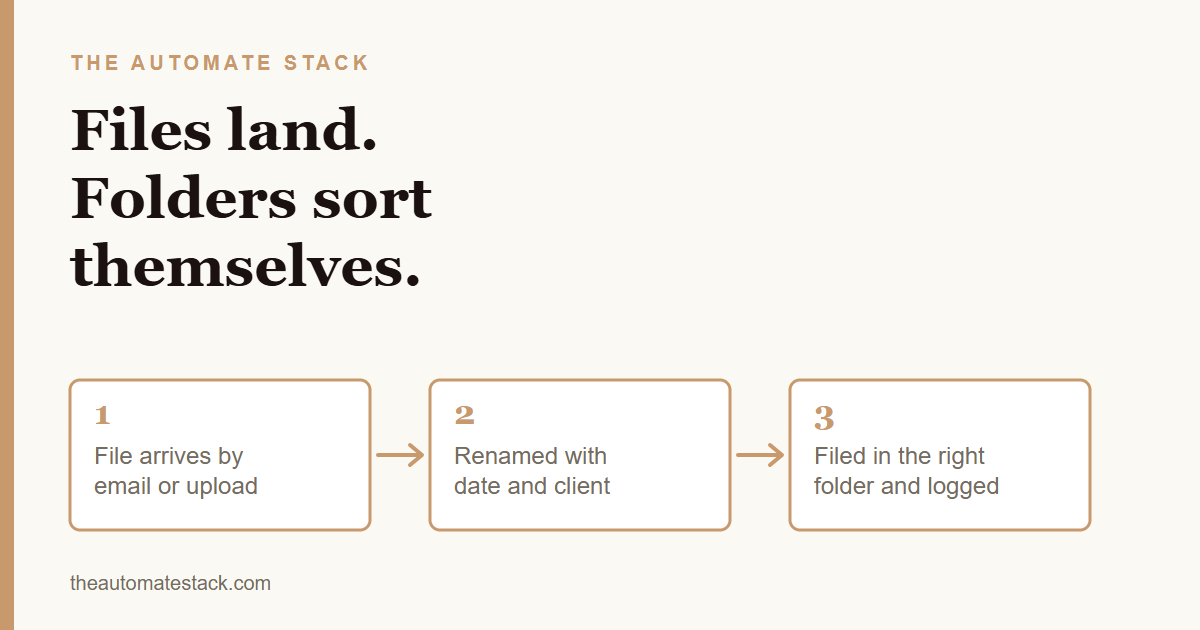
Once the rule is clear, a setup can follow it for you. When an email with an attachment arrives, or a client uploads through a form, it renames the file with the date and client, drops it into the right folder, and adds a line to a sheet so you can search later.
Say you run a small design studio. A client emails a signed contract. Before you open your inbox, it is renamed, filed under her name, and logged. Nothing to scroll through.
Where it still needs you
Some files arrive without a clear client name. A photo of a receipt with no context. The setup can flag those for you instead of guessing, and you fix them in a minute.
It is also worth asking clients to send files to one place. Chats are where files go to be lost.
The steps
- Choose the home. One Google Drive folder, with one subfolder per client.
- Write the naming rule. Date, client, what it is.
- Choose how files arrive. A dedicated email address or an upload form.
- Connect it. Zapier, Make or n8n can watch the inbox and move the file.
- Log every file. One row per file in a sheet, with a link.
- Flag the unknowns. Anything the setup cannot place goes in a "check me" folder.
If the money side is the bigger mess, read about what to write down every time a customer pays first. Then let the filing follow.
A tidy folder will never excite anybody. But it will save your Tuesday.