
Adding up your bank alerts by hand is a small job that eats a big part of your Sunday.
You scroll your messages. You find the credits. You add them on a calculator. You lose count, and start again. And at the end you are still not sure the number is right.
There is a quicker way. It does not need any special software, and it does not need you to hand over your bank details.
The idea
Your bank already tells you every time money arrives. Those alerts are text. A tool that reads text can add them up.
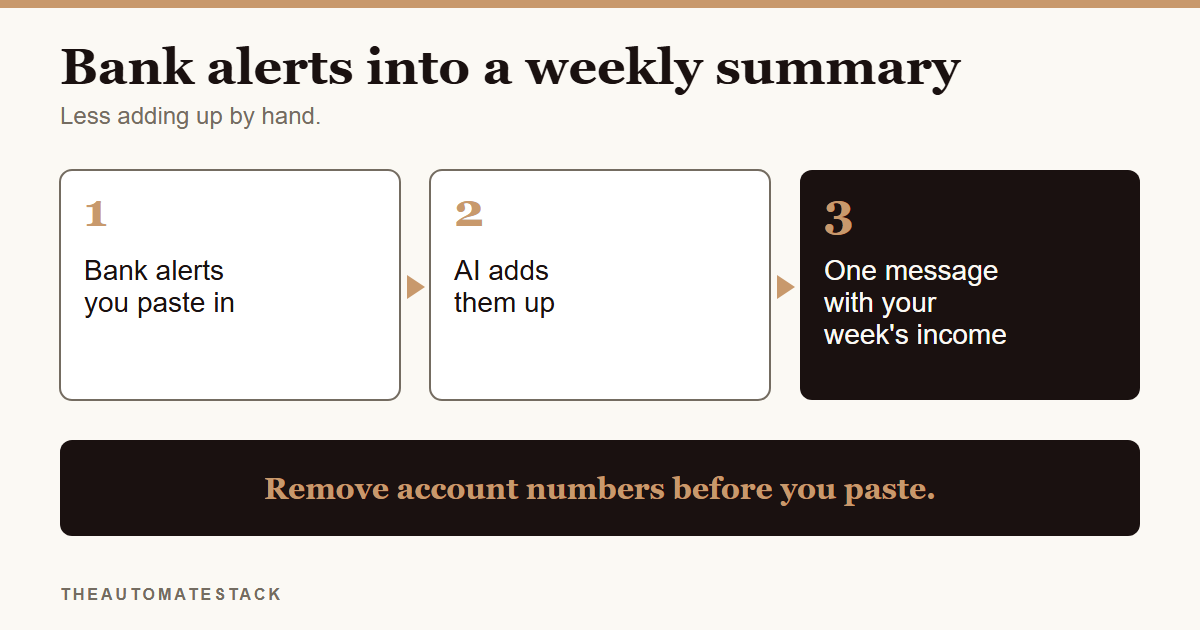
So you paste a week of credit alerts in, ask for the total and a list by day, and get one clear message back. Open it on your phone on Sunday night and you can see your week in one glance.
Clean the alerts first
This step matters more than the rest.
Before you paste anything, remove what you do not need. Account numbers. Full names. Anything that is not the amount, the date and a short note.
The short version: an amount and a date are enough to add up a week. Nothing else needs to leave your hands.
Say you sell clothes online. Your alerts for the week might look like a dozen short messages. You tidy each one down to "Mon, ₦[amount], payment for order" and paste the lot.
What to ask for
Keep the request plain. Ask for three things:
- the total for the week
- the number of credits
- a list by day
You can also ask it to flag anything that looks odd, like two identical amounts on the same day. It will not know if something is a mistake, but it can point at it so you look.
Check it, then trust it a little
The tool is adding numbers you gave it. If you pasted a wrong amount, the total will be wrong.
So treat the summary as a convenient copy. Your bank and your Selar dashboard are the source of truth for your money. Compare the total once or twice at first. When it matches a few weeks in a row, you can rely on it more.
Make it a habit
Pick one day. Sunday night works for many people. Set a reminder, paste the week's alerts, read the summary, and file it.
It takes a few minutes, and you stop carrying the number in your head.
The steps
- Pick a day each week. Sunday night works well.
- Collect the week's credit alerts.
- Clean them. Remove account numbers and names. Keep the amount, the date and a short note.
- Paste them in and ask for three things. The total, the number of credits, and a list by day.
- Read the summary. Look at anything it flags.
- Check it against your bank or Selar. Do this every time at first.
- Save it. One message per week, in the same place.
A weekly income check from the alerts you paste is one of the setups in the Automate layer of the Starter Kit, with the prompt and a test checklist written out for you.
You do not have to add it up by hand. You just have to check it.