
An automation that fails loudly is easy. You see the error and you fix it.
The one that fails quietly is the problem. It runs for weeks, looks fine, and sends the wrong thing to the wrong person while you are asleep.
So you test before you trust. It takes about an hour, once.
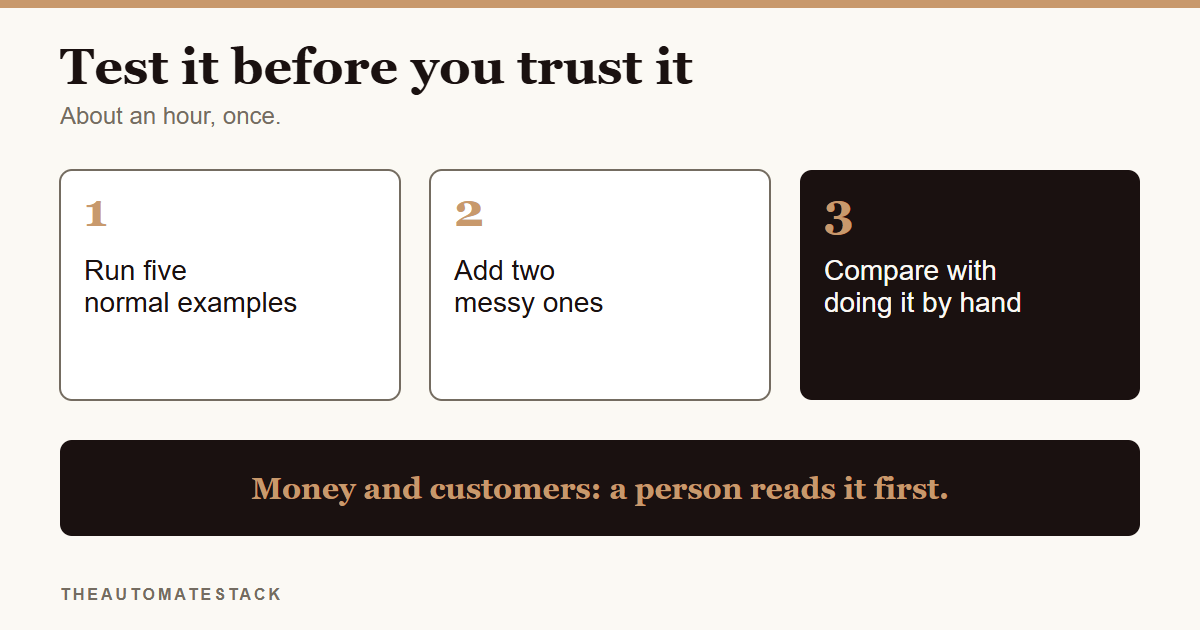
Test with real cases, not perfect ones
Say you set up a reply that sends your price list when someone comments PRICE.
The easy test is a comment that says PRICE. It works. You feel good and switch it on.
Then a real customer comments "price pls". Another types "PRCE". Another writes "how much" and sends nothing else. If you never tried those, you find out from your customers. I wrote about exactly this in why does my Instagram DM bot break when customers make typos.
So your test list needs two kinds of cases.
- Five normal ones. What a customer would send on a good day.
- Two messy ones. Typos, capital letters, an empty message, a very long one, a duplicate, anything you did not plan for.
Compare it with what you would have done
For each test, write down what you expected before you run it. Then look at what happened.
Any difference is a fault until you prove otherwise. Not "close enough". If you would have sent the price list and it sent nothing, that is a fault.
Decide what a human checks
Some jobs are low risk. A weekly summary you read yourself is fine to run without much worry.
But anything that touches money, a customer's private details or a promise should be read by a person before it goes out. Start it in draft mode, where it prepares the message and you press send. Move to sending on its own later, if at all.
Know how to stop it
Before you switch anything on, write down where the off switch is.
If something goes wrong at 2 AM, you do not want to be searching through menus. One line in your notes is enough: where it lives and how to pause it.
Test again when something changes
Tools change their menus. You edit a prompt. A free limit runs out. Any of those can change what your automation does.
Keep your test list, the same seven cases, and run it again after every change. It takes ten minutes, and it is the cheapest insurance you have.
The steps
- Write down what the automation should do. One sentence.
- List five normal examples. What a customer sends on a good day.
- Add two messy ones. Typos, empty, long, duplicate.
- Write down what you expect for each.
- Run them and compare. Any difference is a fault. Fix it, then run the whole list again.
- Decide what a human reads first. Anything about money or customers.
- Write down the off switch. And test again after any change.
Every setup in the Starter Kit has a test checklist for exactly this, so you do not have to invent one.
Trust is not a feeling. It is a list of cases that passed.